






Events and planning
Connect invitations, RSVPs, guest lists, seating and QR check-in in one shared workflow.
Invite → RSVP → Seat → Check-in
Explore the venues

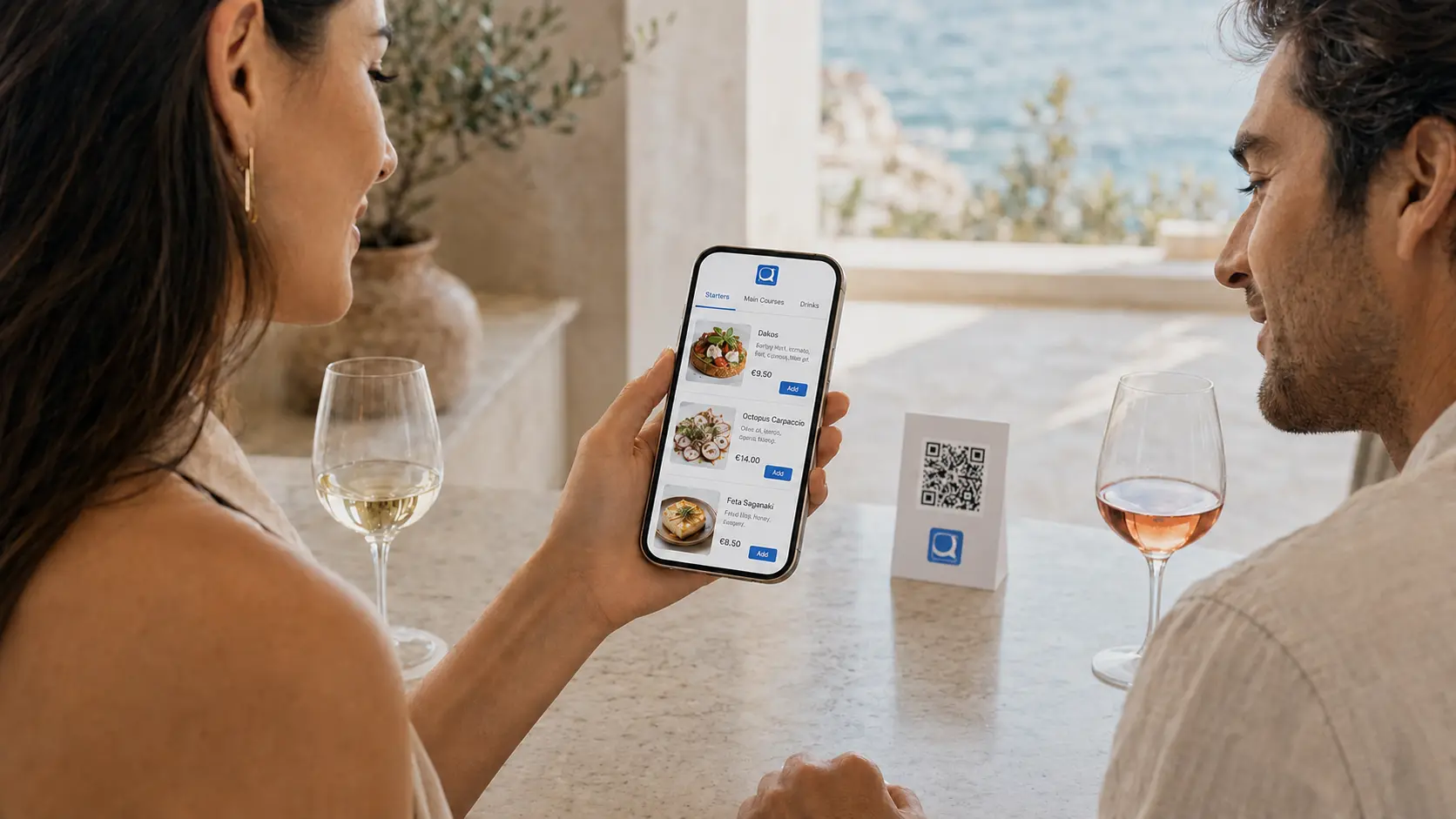
Reserve a table
Restaurants nearby · Live availability
One scan · No app required
Solutions for your business
Connect invitations, RSVPs, guest lists, seating and QR check-in in one shared workflow.
Invite → RSVP → Seat → Check-in
Explore the venues
Connect your digital presence with your menu, direct reservations and orders.
Profile → Menu → Reserve or order
Explore dining
Bring property information, your services and selected local recommendations to your guests.
Access → Stay → Available services
Explore the solutionExperiences and local services: Explore partnership opportunities
The Q-Pass network
Solutions for every business type
Start with a free Q-Pass Business Profile and give customers instant access to your restaurant, information and digital menu. No reservation or ordering service is required. When you are ready, activate Reserve Now and Order Now to turn visibility into direct reservations and orders.
Showcase your restaurant and digital menu, strengthen your online presence and become discoverable through Q-Pass at no cost.
Allow customers to check availability and make direct restaurant reservations through Q-Pass.
Enable customers to place direct in-venue, takeaway or delivery orders through Q-Pass.
One ecosystem. Multiple needs.
Travel and hospitality were never really one experience. They were always several: somewhere to stay, somewhere to eat, something to do, a way to get around. Q-Pass brings all of it together into one continuous journey.
One connected network. One digital identity. Every new partner strengthens the ecosystem for everyone in it.
The connection pointFor travellers & locals
From discovering nearby places to booking experiences, ordering food and arranging transportation, Q-Pass turns every destination into one connected experience.
ENWelcome! Everything you need during your stay, in one place.
More in this section
Accommodation information, online check-in and guest services.
Online check-in
Skip reception · 2 min
Housekeeping request
Today, any time
Late check-out
Subject to availability
One connected workflow
A QR code, website link or invitation connects people with relevant information and available actions. Businesses and event teams can organise the next step through Q-Pass.
Open a relevant Q-Pass link or scan a QR code. No app download is required.
Find a menu, stay information, available services or event details.
Reserve, order, submit an available request or respond to an invitation.
The business or event team manages reservations, orders or guest attendance.
Why Q-Pass
Information and the menu are the starting point. With Reserve Now or Order Now active, customers can continue to a direct reservation or order.
The property selects its information, services and local partners. Guests can continue to available requests or bookings where supported.
Responses connect with the guest list, seating and QR check-in. Planning and reception work from the same guest information.
Why Q-Pass
One connected ecosystemBook a demo
Choose your sector and share your requirements so the Q-Pass team can discuss the relevant reservation, guest-service or event workflow.